CSS Superpowers
with --*, @property and @layer

Emiliano Pisu
Frontend Development Lead
@ MONK Software
Let's talk about exposing CSS APIs for our products
over-engineering and combining CSS Layers + Custom Properties
with the purpose of easing common
business cases, such as:
- Multi-Tenant
- Re-Selling
- Re-Branding
Are you serious 😳?
over-engineering?
What does exactly
over-engineering means?
Over-engineering is the act of designing a product, or providing a solution to a problem, that is complicated in a way that provides no value or could have been designed to be simpler.Wikipedia
Ehm... So...
how are we gonna feel
at the end of the day?
not like this...
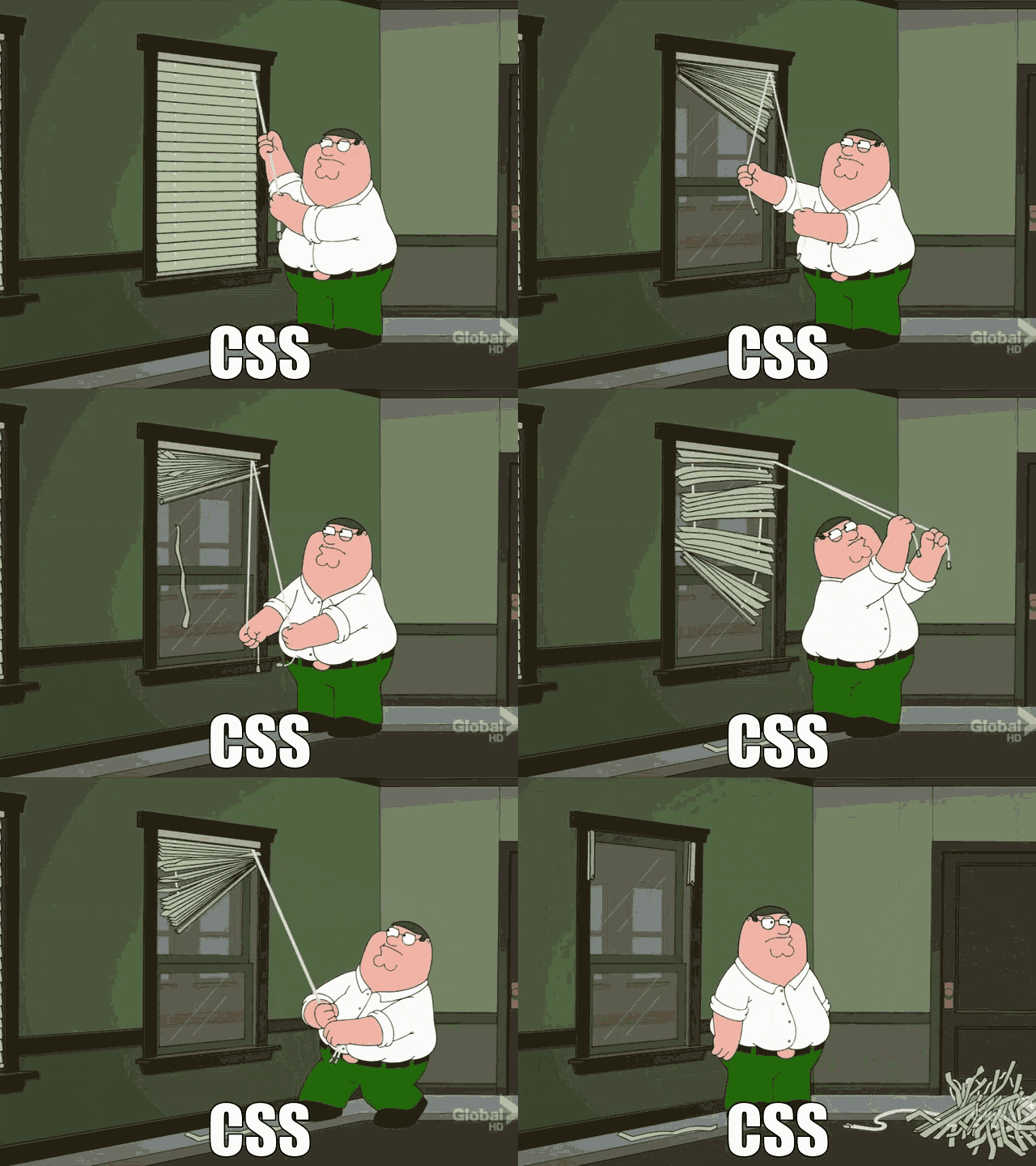
... I'm promise 😄!!!
So... over-engineering uh 🤔?
Yep! with an eye on the future
"Marty, excuse me for the crudity of this model: I didn't have time to build it to scale and paint it." 

Doc. Emmet L. Brown (1955)
here's the catch phrase:
I didn't have time
"I didn’t have time to create a complete design system, so I just put the components together as best I could."
"There wasn’t time for a structured approach: I wrote selectors and named the classes on the fly."
"I didn’t use CSS variables; it was faster to set colors, typography and spacings directly."
"We developed it for desktop; there wasn’t time to think about responsiveness."
"I didn’t test it on all browsers; it worked on the one we usually use, and I didn't have time to check the others."
NOV
05
88
1955
8888
06
88
00
88
OCT
21
88
1985
8888
01
88
22
88
OCT
21
88
1985
8888
01
88
20
88
What are we going to
talk about today?
CSS Custom Properties
--* and @property
- centralizing values
- flowing with the cascade
- dynamic and conditional overrides
- registered properties and animations
- interactions with js
CSS Layers
@layer
- definition
- organization
- order of "execution"
- reverse cascade
CSS APIs Approach
combining variables and layers for:
- efficiency
- maintainability
- scalability
CSS Custom Properties
--* (MDN docs)
Introduced by Firefox in July 2014,
and fully supported across browsers
since April 2017
Centralizing values
:root {
  --text-color: #34eadb;
  --font-size: 16px;
}

body {
  color: var(--text-color);
  font-size: var(--font-size);
}
Flowing with the cascade
:root {
  --text-color: #34eadb;
  --font-size: 16px;
}

body {
  --font-size: 18px;

  color: var(--text-color);
  font-size: var(--font-size);
}
Dynamic and Conditional overrides...
:root {
  --text-color: #202020;
  --background-color: #efefef;
}

@media (prefers-color-scheme: dark) {
  :root {
    --text-color: #efefef;
    --background-color: #202020;
  }
}

body {
  color: var(--text-color);
  background-color: var(--background-color);
}
...the same goes for Responsive
:root {
  --padding: 8px;
}

@media (min-width: 600px) {
  :root {
    --padding: 16px;
  }
}

.container {
  padding: var(--padding);
}
Javascript interaction
Common js "CRUD" operations
with CSS custom properties
Writing a variable to an element (CRUD)
const button = document.querySelector('button');

// sets the "--text-color" value
// to the element's CSSStyleDeclaration
button.style.setProperty('--text-color', '#e74c3c');
Writing a variable to :root (CRUD)
const root = document.documentElement;

// sets the "--text-color" value
// to the root element's CSSStyleDeclaration
root.style.setProperty('--text-color', '#e74c3c');
Reading a variable from an element (CRUD)
const button = document.querySelector('button');

// gets the "--text-color" value
// from element's CSSStyleDeclaration
//! may be null-ish if the variable is not defined on the element itself
button.style.getPropertyValue('--text-color');

// gets the "--text-color" value
// from the element's ComputedStyle,
// so with inherited values too
//! may be null-ish if the variable is not defined on
//! the element itself nor any of its ancestors
getComputedStyle(button).getPropertyValue('--text-color');
Reading a variable from :root (CRUD)
const root = document.documentElement;

// gets the "--text-color" value
// from the root element's ComputedStyle
//! may be null-ish if the variable is not defined
getComputedStyle(root).getPropertyValue('--text-color');
Deleting a variable from an element (CRUD)
const button = document.querySelector('button');

// deletes the "--text-color" variable
// from the element's CSSStyleDeclaration
button.style.removeProperty('--text-color');
Deleting a variable from :root (CRUD)
const root = document.documentElement;

// deletes the "--text-color" variable
// from the root element's CSSStyleDeclaration
root.style.removeProperty('--text-color');
CSS Custom Properties
@property (MDN docs)
Introduced by Chrome in August 2020,
and fully supported across browsers
since July 2024
What's the difference
between --* and @property?
- @property are typed
- @property can disable inheritance
-
@property are animatable
and transitionable
Registering a property
@property --coffee-color {
  syntax: "<color>";
  inherits: false;
  initial-value: #c0ffee;
}
//
window.CSS.registerProperty({
  name: "--coffee-color",
  syntax: "<color>",
  inherits: false,
  initialValue: "#c0ffee",
});
For instance...
<button class="unregistered">
  Unregistered
</button>
button.unregistered {
  --unregistered-coffee-color: #202020;
  --unregistered-coffee-background-color: #c0ffee;

  color: var(--unregistered-coffee-color);
  background-color: var(--unregistered-coffee-background-color);

  // this will NOT work
  transition: --unregistered-coffee-color 1s ease-in-out,
    --unregistered-coffee-background-color 1s ease-in-out;

  &:hover, &:focus {
    --unregistered-coffee-color: #c0ffee;
    --unregistered-coffee-background-color: #b4d455;
  }
}
<button class="registered">
  Registered
</button>
button.registered {
  --coffee-color: #202020;
  --coffee-background-color: #c0ffee;

  color: var(--coffee-color);
  background-color: var(--coffee-background-color);

  // this will work
  transition: --coffee-color 1s ease-in-out,
    --coffee-background-color 1s ease-in-out;

  &:hover, &:focus {
    --coffee-color: #c0ffee;
    --coffee-background-color: #b4d455;
  }
}
Let's see some fancy examples
Superpowers with @property
Check this on
Superpowers
Ball Throw with @property
Check this on
Loading Border with @property
Check this on
Milliseconds Counter with @property
Check this on
Stop Watch with @property
Check this on
CSS Layers
@layer (MDN docs)
Introduced by Firefox in February 2022,
and fully supported across browsers
since March 2022
CSS Layers Example
@layer reset {
  * {
    box-sizing: border-box;
    ...
  }
}

@layer components {
  button {
    border-size: 1px solid lightgray;
  }
}

@layer layout {
  body {
    display: grid;
    grid-template-areas:
      'header header'
      'aside main'
      'footer footer';
  }
}
Layers Order
@layer reset, layout, components;
Layers depths levels
@layer ui {
  @layer button {
    :root {
      --button--font-size: 18px;
    }

    button {
      font-size: var(--button--font-size);
    }
  }

  @layer input {
    :root {
      --input--font-size: 20px;
    }

    input {
      font-size: var(--input--font-size);
    }
  }
}
That's awesome, but ...
... what about old CSS codebase and un-layered third-party deps?
The layer() function will be
your best friend
@import ... layer() pattern
@import 'path-to-old-dependency.css' layer(old-dependency);
@import 'path-to-old-dependency.theme.css' layer(old-dependency.theme);
@import 'path-to-other-old-dependency.css' layer(other-old-dependency);

@layer new-library {
  ...
}

// un-layered code
Reverse Cascade
Which --ui--font--size wins?
:root {
  /*
    16px/10px = 0.625, expressed in em
    makes the font-size reactive to browser settings
    and makes 1rem = 10px,
allowing to use rems as a simple division base-10 value
  */
  --ui--font-size: 0.625em;
}

@layer ui {
  :root {
    --ui--font-size: 16px;
  }

  @layer button {
    :root {
      --ui--font-size: 18px;
    }

    button {
      font-size: var(--ui--font-size);
    }
  }

  @layer input {
    :root {
      --ui--font-size: 20px;
    }

    input {
      font-size: var(--ui--font-size);
    }
  }
}

Look at me Ma'...
I'm reversing waterfalls
So CSS layers are actually
breaking the cascade?
Ehm... no!
They're actually flowing
with the cascade.
How the cascade works?
The Cascade is an algorithm that defines how user agents combine property values originating from different sources.
What are the players involved
in the algorithm?
Here are the origin types of stylesheets
- user-agent stylesheets
- user stylesheets
- author stylesheets (+ inline styles)
How the cascade algorithm handles the precedence of declarations?
Here are the declarations
ordered by precedence (lower to higher priority)
- user-agent declarations
- user declarations
- author and inline declarations
- @keyframe animations
- !important 😞 author and inline declarations
- !important 😢 user declarations
- !important 😭 user-agent declarations
- transitions
How the @layer integrates into this?
Here are the author declarations
ordered by precedence (lower to higher priority)
- @layer 1 declarations
- @layer ... declarations
- @layer N declarations
- un-layered declarations
- inline declarations
What about @layer and !important?
Here are the author !important declarations
ordered by precedence (lower to higher priority)
- !important 😟 un-layered declarations
- !important 😢 @layer N declarations
- !important 😭 @layer ... declarations
- !important 😡 @layer 1 declarations
- !important 🤬 inline declarations
So in the end...
Order (lower to higher priority)
- user-agent declarations
- user declarations
-
author declarations
- @layer 1 declarations
- @layer ... declarations
- @layer N declarations
- un-layered declarations
- inline declarations
- @keyframe animations
-
!important 😞 author and inline declarations
- !important 😟 un-layered declarations
- !important 😢 @layer N declarations
- !important 😭 @layer ... declarations
- !important 😡 @layer 1 declarations
- !important 🤬 inline declarations
- !important 😢 user declarations
- !important 😭 user-agent declarations
- transitions
CSS APIs approach
Let's seed
a Design System codebase,
combining --* and @layer
reset layer
@layer design-system {
  @layer reset {
    * {
      box-sizing: border-box;
      ...
    }
  }

  ...
}
color palette and elevations layers
@layer design-system {
  ...

  @layer colors {
    :root {
      --ds--colors--dark: #202020;
      --ds--colors--light: #fefefe;

      --ds--colors--purple: #9f7aea;
      --ds--colors--cyan: #0bc5ea;
      --ds--colors--green: #48bb78;
      --ds--colors--yellow: #ecc94b;
      --ds--colors--red: #f56565;

      ...
    }
  }

  @layer elevations {
    :root {
      --ds--elevations--shadow-color-1: hsla(210, 3%, 36%, 0.16);
      --ds--elevations--shadow-color-2: hsla(213, 5%, 42%, 0.38);

      // Cards, etc...
      --ds--elevation-400: 0 1px 7px 1px var(--ds--elevation--shadow-color-1),
        0 1px 7px -1px var(--ds--elevation--shadow-color-2);

      // Tooltips, etc...
      --ds--elevation-500: 0 2px 4px -1px var(--ds--elevation--shadow-color-1),
        0 3px 12px -1px var(--ds--elevation--shadow-color-2);

      ...
    }
  }
}
typography and iconography layers
@layer design-system {
  ...

  @layer typography {
    :root {
      --ds--typography--ratio: 1.125; // major second
      --ds--typography--font-family: Verdana;
      --ds--typography--font-size: 1.6rem;
      --ds--typography--font-weight: 400;
      --ds--typography--line-height: 1.3;

      ...
    }

    body {
      font-family: var(--ds--typography--font-family);
      font-size: var(--ds--typography--font-size);
      font-weight: var(--ds--typography--font-weight);
      line-height: var(--ds--typography--line-height);

      ...
    }
  }

  @layer iconography { /* iconography classes */ }
}
components layer
@layer design-system {
  ...

  @layer components {
    :root {
      /* common components variables */
    }

    @layer button { /* buttons component variables and styles */ }
    @layer input { /* input component variables and styles */ }
    @layer select { /* select component variables and styles */ }

    ...
  }
}
That's it!
Your brand new CSS APIs
are now ready to use
layered selectors and values will be overridden by un-layered ones
Example Overriding the Design System CSS APIs codebase
@layer design-system {
  ...

  @layer components {
    ...
  }
}

:root {
  --ds--colors--dark: #202020;
  --ds--colors--light: #fefefe;

  --ds--elevations--shadow-color-1: hsla(210, 3%, 36%, 0.16);
  --ds--elevations--shadow-color-2: hsla(213, 5%, 42%, 0.38);

  --ds--typography--font-size: 2.2rem;
  --ds--typography--line-height: 1.25;

  ...
}
Let's take a look at the
pixCSS example
Wrapping up
Pros
- Proactive Strategy
- Efficiency and Modularity
- Maintainability
- Progressive Enhancement
Cons
- Learning & Practice Curve
- Bootstrapping projects is harder
- Minimum impact on inspector performances
Conclusions
- Over-engineering as strategic investment
- Being prepared to future evolutions of CSS
- Invite to Action: Experiment & Share
Slides Links


Personal Links


Grazie ❤️!